Students–How Do you Sign Up?
- Students interested in receiving Zot Bites alerts need to read and acknowledge the liability release language, click the Create Account button, and provide a valid phone number to start receiving notifications.
-
After providing and verifying a valid phone number, students will be confirmed to start
receiving notifications.
- Students may opt in/out of Zot Bites at anytime by logging on to this portal and switching off the notifications
SMS enrollment after account creation
Phone verification: You will be asked to separately agree to receive a one-time Zot Bites phone verification code from 82898 at the mobile number you provide. Message and data rates may apply. View the SMS Terms and Privacy Policy.
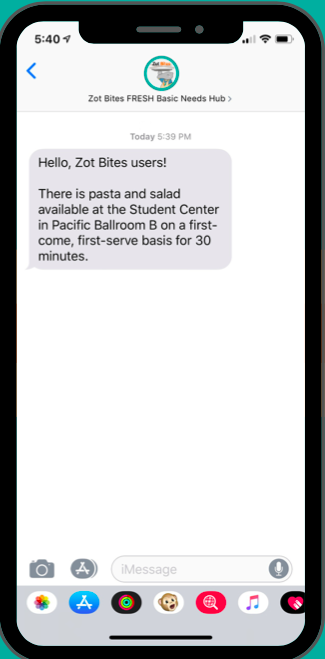
Food-availability alerts: You will be asked to separately agree to receive recurring Zot Bites text alerts from 82898 about excess catered food availability on the UCI campus. Message frequency varies. Message and data rates may apply. Reply HELP for help and STOP to cancel. View the SMS Terms and Privacy Policy.